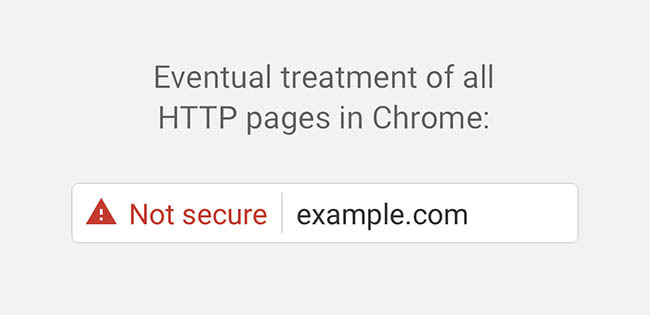
Google says its Chrome browser will mark HTTP websites with input fields (such as contact forms or those that require login details) as not secure, starting later this year.
The search engine gave notice of this a few months ago but has now taken the step of formally notifying webmasters who will be affected as the change gets closer.
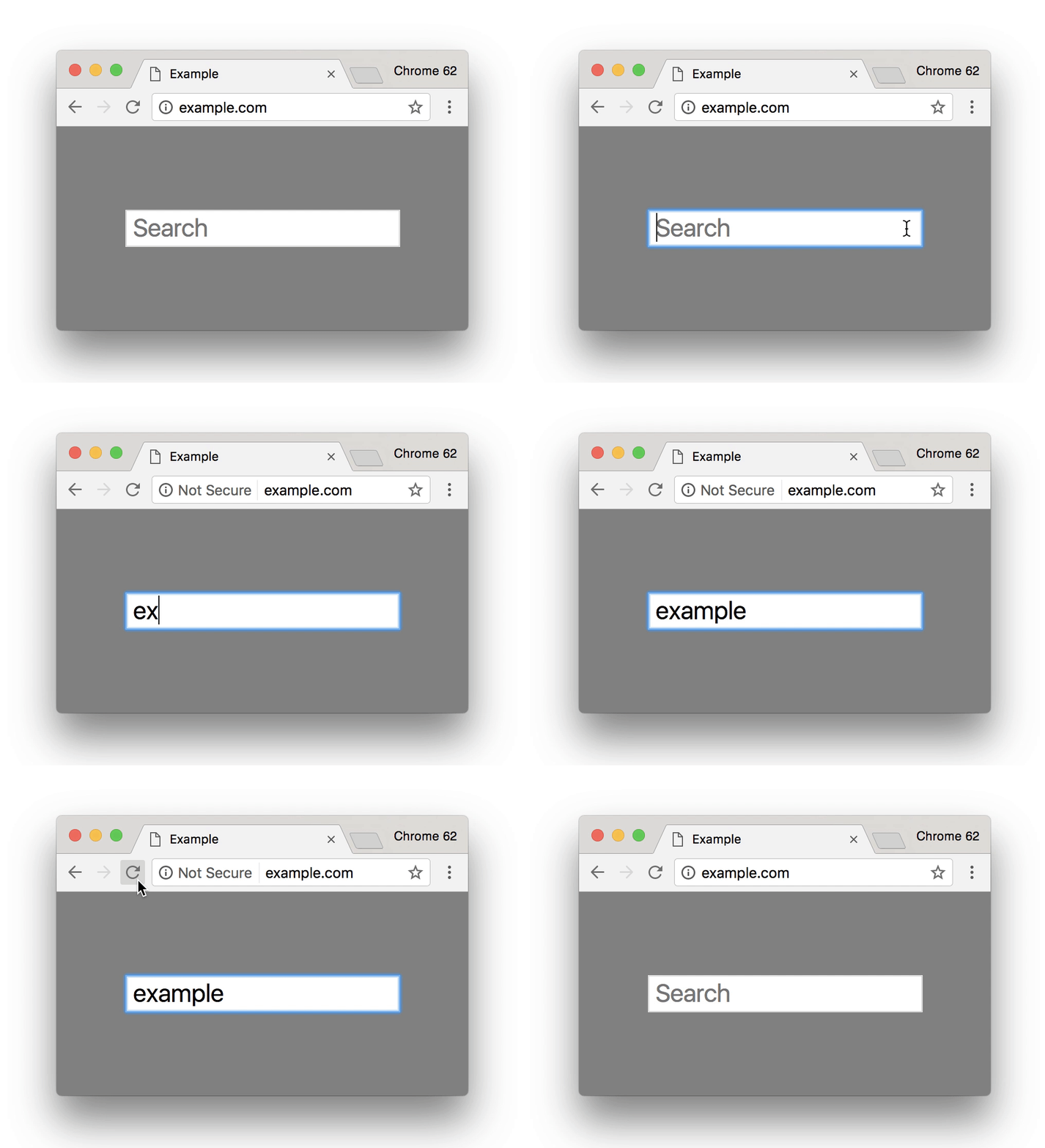
The notification said, “Beginning in October 2017, Chrome will show the ‘Not secure’ warning in two additional situations: when users enter data on an HTTP page, and on all HTTP pages visited in Incognito mode.”
The notifications were sent to webmasters via Google Search Console. Sites that are HTTP and have credit card fields and require passwords are already marked as not secure. The additional two scenarios represent a gradual increase of the security protocol, with Google saying in its official post that its efforts have already resulted in a 23% reduction in the “fractions of navigation to HTTP pages with passwords or credit card forms on desktop”.
When the new warning kicks in, HTTP sites will have a ‘Not Secure label displayed in the address bar as shown below:
Emily Schechter from the Google Chrome Security Team said more actions should be expected in future, remarking, “Eventually, we plan to show the “Not Secure” warning for all HTTP pages, even outside Incognito mode. We will publish updates as we approach future releases, but don’t wait to get started moving to HTTPS! HTTPS is easier and cheaper than ever before, and it enables both the best performance the web offers and powerful new features that are too sensitive for HTTP.”
If your site is currently a HTTP domain, you will need to migrate to HTTPs before October to avoid your web traffic being warned off visiting your site.
You can find a full guide to migrating to HTTPs along with the benefits of doing so in our blog post The Essential Guide to Migrating Your Website To HTTPS.
The original Chrome post can be found here: https://blog.chromium.org/2017/04/next-steps-toward-more-connection.html